
Hosting a static website (HTML, CSS, JS) using cPanel is simple and quick. Follow the steps below.
Requirements
-
Hosting account with Bisup
-
cPanel access
-
Website files ready
-
Main file named index.html
Step 1: Login to cPanel
-
Visit your Client Area
-
Click on Services Button

-
Click on Login to cPanel

Step 2: Open File Manager
-
Go to File Manager
-

-
Navigate to:
-
public_html (main domain)

-
public_html/yourdomain.com (addon domain)
-
Step 3: Upload Website Files
-
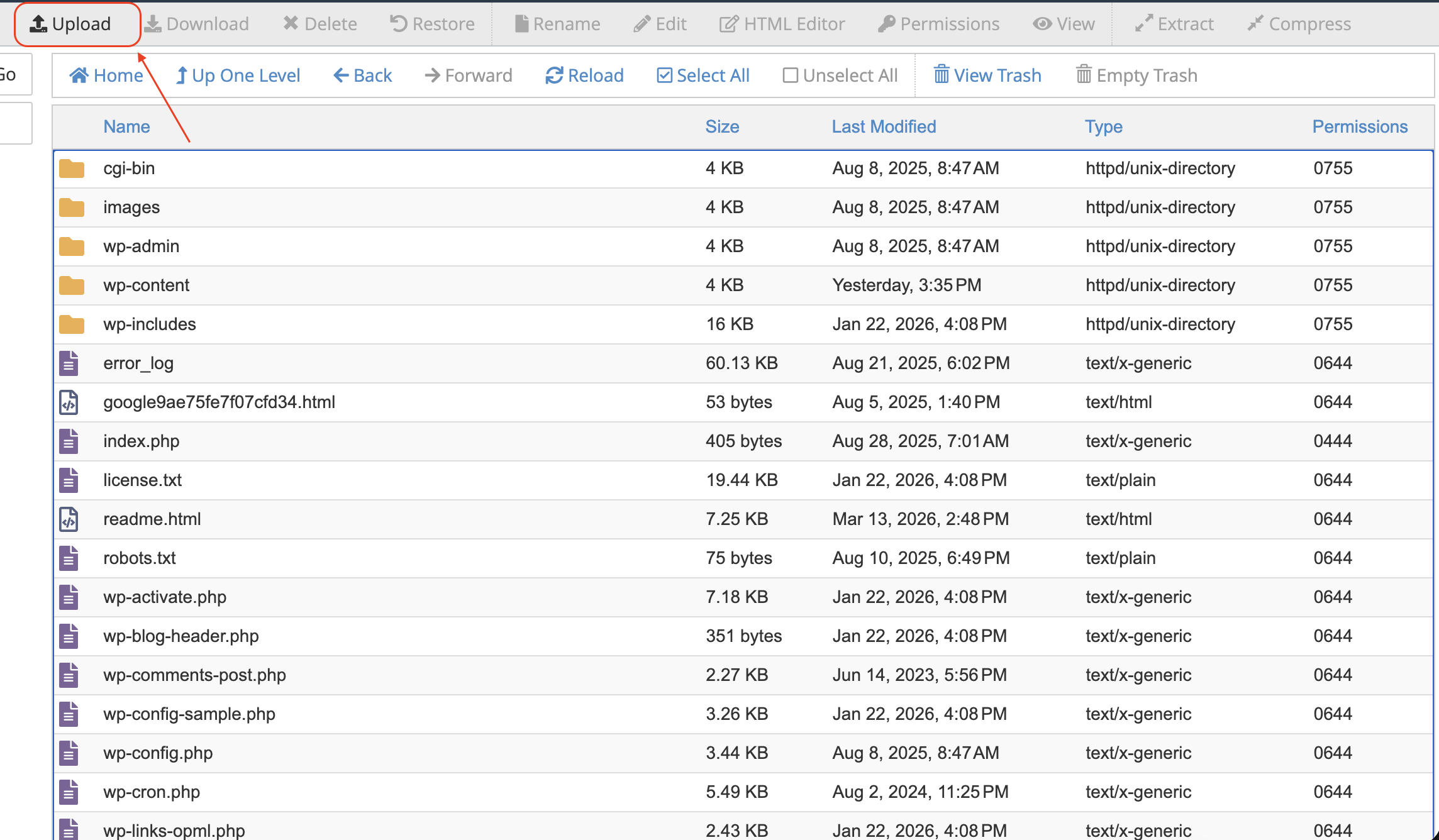
Click Upload
-
-
Select your files
If using a ZIP file:
-
Upload .zip
-
Right-click → Extract

Step 4: Check File Structure
Correct:
public_html/index.html
public_html/style.css
public_html/script.js
Incorrect:
public_html/folder/index.htmlMake sure index.html is directly inside public_html.
Step 5: Access Your Website
-
Open your domain (e.g., https://yourdomain.com)
Your site should now be live.
Common Issues
Website not loading
-
Check domain DNS connection
Directory listing showing
-
Ensure index.html exists
CSS/JS not working
-
Fix file paths (use relative paths)
Tips
-
Compress images
-
Enable SSL (HTTPS)
-
Use lowercase file names


